What you'll learn
Course Overview: The 1-Year Journey
Most institutions split the DCA into two six-month semesters. Here’s how the roadmap usually looks:
Semester 1: The Foundations
The focus here is on getting comfortable with the "Big Three" of computing: hardware, software, and the office suite.
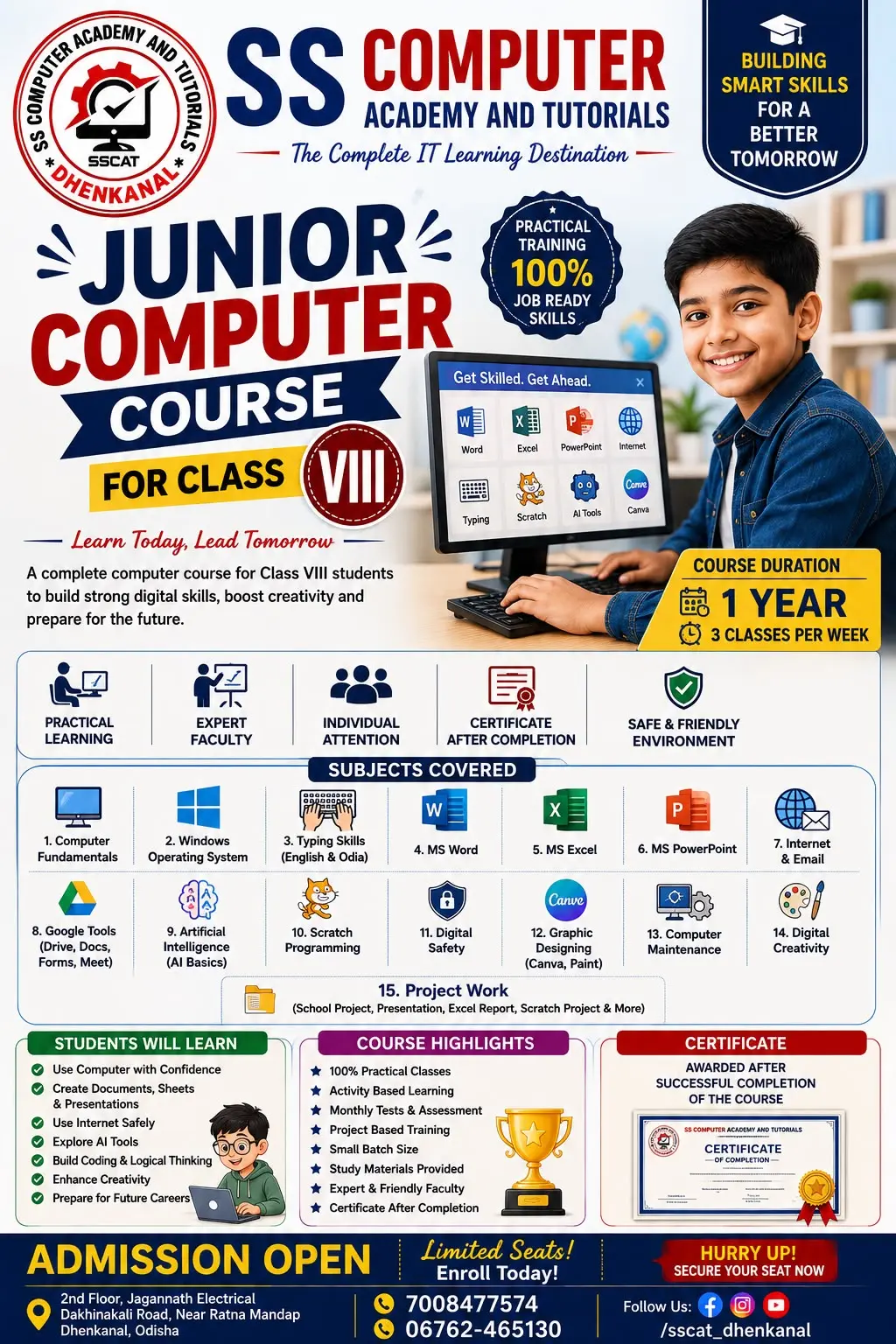
- Computer Fundamentals: Learning what’s under the hood—CPU architecture, memory types, and input/output devices.
- Operating Systems: Mastering Windows and often getting a taste of Linux.
- MS Office Suite: Moving beyond basic typing.
- Word: Professional document formatting.
- Excel: Data analysis, formulas, and pivot tables.
- PowerPoint: Creating presentations that don't bore people to sleep.
- Internet & Networking: Understanding how the web works, email etiquette, and cybersecurity basics.
Semester 2: The Technical Deep Dive
Once you’ve mastered the basics, the second half of the year pushes you into more specialized territory.
- Database Management (DBMS): Using tools like MS Access or MySQL to store and retrieve data efficiently.
- Web Designing: The basics of HTML, CSS, and JavaScript to build and style websites.
- Programming Basics: Usually an introduction to a language like C or C++ to teach you the logic behind software.
- Financial Accounting (Tally): Many DCA courses include Tally Prime to make you indispensable for small business accounting.
- Multimedia: Basic photo editing (Photoshop) or desktop publishing (CorelDraw).
Why Should You Take This Course?
- Job Readiness: You’re not just learning theory; you’re gaining skills that employers actually ask for in entry-level roles.
- Versatility: Whether you want to work in a bank, a school, or a tech startup, these skills are universal.
- Bridge to Higher Studies: It’s an excellent stepping stone if you eventually want to pursue a BCA or B.Sc. in IT.
Career Opportunities
After completing your DCA, you can aim for roles such as:
- Data Entry Operator
- Office Administrator
- Computer Technician
- Web Designer (Junior)
- Accounts Assistant
Show More
Course Syllabus
Semester 1: Digital Foundations
The first semester is about understanding how a computer works and mastering the software used in 90% of office jobs.
1. Computer Fundamentals & OS
- Hardware: Internal components (CPU, ALU, Motherboard), Input/Output devices, and Memory (RAM/ROM/SSD).
- Operating Systems: Introduction to Windows 10/11, basic DOS commands, and an overview of Linux/Open Source software.
- Computer Architecture: Data representation (Binary, Octal, Hex) and the boot process.
2. Office Automation (MS Office Suite)
- MS Word: Advanced formatting, Mail Merge, Tables, and Page Layouts.
- MS Excel: Formulas ($SUM, VLOOKUP, IF$), Pivot Tables, Charts, and Data Validation.
- MS PowerPoint: Slide Master, Animations, Transitions, and Multimedia integration.
3. PC Packages & Networking
- Internet Basics: Browsing, Search Engine Optimization (SEO) basics, and Email etiquette.
- Networking: Understanding LAN, WAN, MAN, Topologies (Star, Bus, Mesh), and IP Addresses.
Semester 2: Professional Applications
In the second semester, the course shifts from being a "user" to being a "creator" or "manager" of data and content.
1. Database Management System (DBMS)
- Data Concepts: Introduction to Relational Databases (RDBMS).
- MS Access/SQL: Creating tables, defining relationships (One-to-Many), and writing basic queries to fetch data.
2. Web Designing & HTML
- Frontend Basics: Building static web pages using HTML5 and styling them with CSS3.
- Interactivity: Basic JavaScript for form validation and simple alerts.
3. Financial Accounting (Tally Prime)
- Accounting Basics: Ledger creation, Vouchers, and Inventory management.
- Taxation: Introduction to GST (Goods and Services Tax) and generating Balance Sheets.
4. Programming Fundamentals (Optional/Elective)
- Logic Building: Algorithms and Flowcharts.
- Language: Usually an introduction to C Programming or Python (Variables, Loops, and Functions).
5. Desktop Publishing (DTP) & Multimedia
- Design Tools: Basics of Adobe Photoshop (photo editing) and PageMaker or CorelDraw (brochure/card designing).